Visual IP Trace screenshots
The screenshots below show most of the features and views available in Visual IP Trace.

Trial choice dialog when first running Visual IP Trace. Two choices of edition, simply choose the one wanted for a trial. See the feature comparison table.
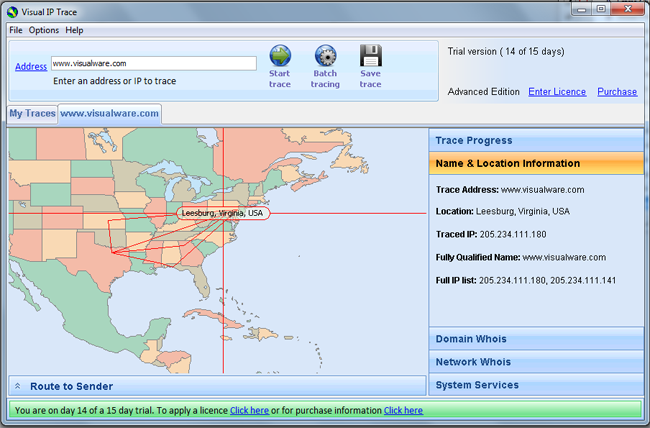
Trace location plotted on a world map, also showing route points along the route. The option to show extra route points can be turned off in preferences. Basic name and location information also shown in the pane to the right.
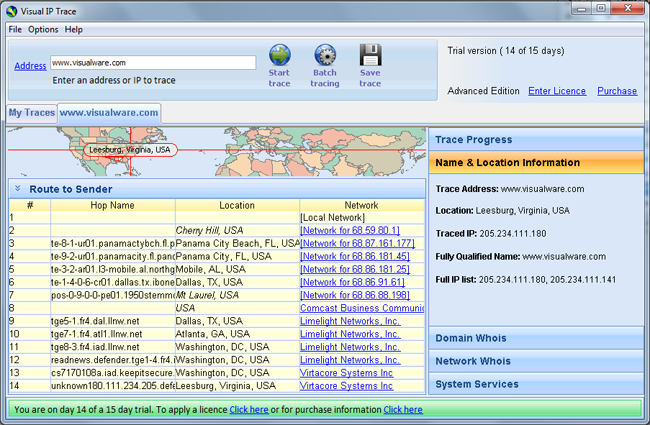
A full trace route table is provided showing hop names and networks that they belong to.
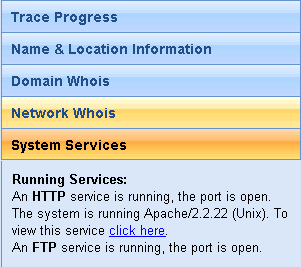
System services are also detected for destination, uncovering information such as operating system and web services.
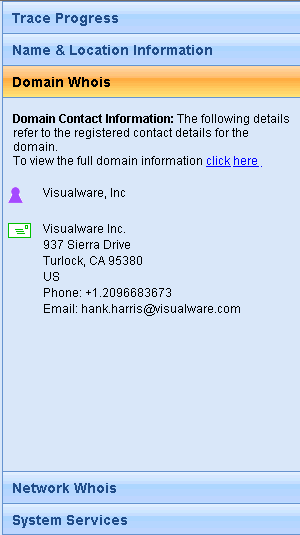
Domain and network Whois information is also uncovered to provide more points of contact.
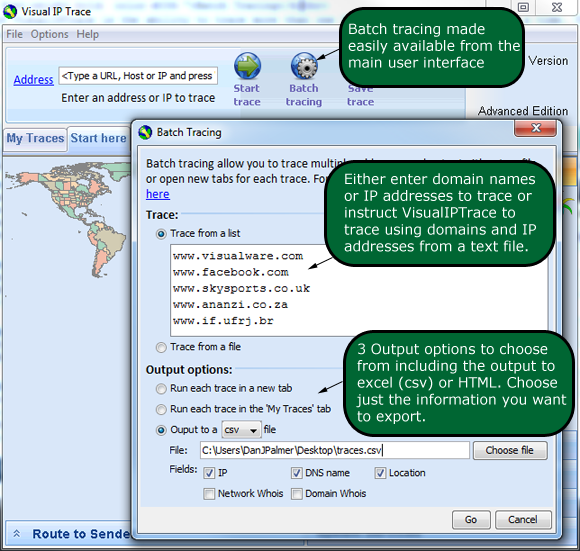
Batch Tracing allows the user to perform more than one trace at once. Saving time and energy if multiple traces are required.
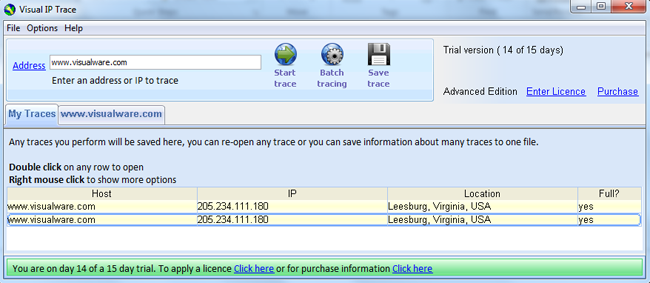
The MyTraces tab lists all traces that have been performed. Double clicking a trace will open it to a new tab (tabs only available in Advanced Edition.
|
